


quick
menu
Dear Point Blank Players,
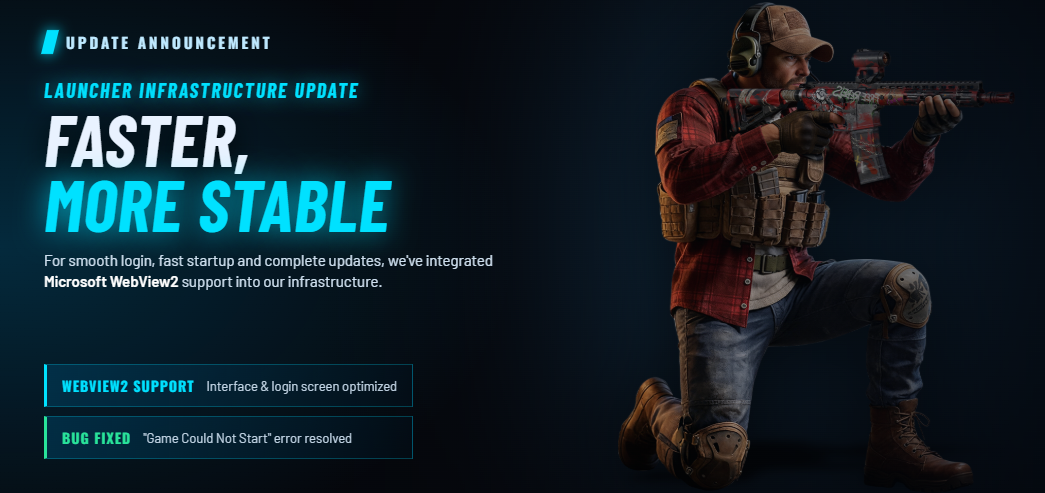
To provide you with a more stable, fast, and seamless gaming experience,
we have made significant improvements and updates to our Launcher infrastructure.
With the new update, Microsoft WebView2 support has been integrated into our infrastructure to ensure
you can seamlessly log into the game, the Launcher opens without issues, and updates are downloaded completely.
🛠️ New Features and Improvements
WebView2 Support & Interface Optimization: A WebView2 support patch has been integrated into the Launcher infrastructure.
This enhances the login screen performance and maximizes client stability.
"Failed to Start Game" Error Resolved: The "Failed to Start Game" error, which some of our players encountered
on the Launcher login screen preventing access to the game, has been completely resolved.
📥 WebView2 Runtime Installation Guide
To avoid any interruptions when opening the Launcher or downloading updates,
the WebView2 Runtime software must be installed on your system.
If you are experiencing issues with the Launcher, please download and install the setup file appropriate
for your operating system's architecture (32-Bit or 64-Bit):
💡 Note: If you do not know your operating system's architecture, you can find out by
right-clicking the "This PC" icon on your desktop and selecting Properties.
🔗 Download Links
For 32-Bit Operating System Users:
If you are using a 32-bit operating system and experiencing issues with the Launcher, please download and install the file below:
👉 MicrosoftEdgeWebView2RuntimeInstallerX86.exe (Download 32-Bit)
For 64-Bit Operating System Users:
If you are using a 64-bit operating system and experiencing issues with the Launcher, please download and install the file below:
👉 MicrosoftEdgeWebView2RuntimeInstallerX64.exe (Download 64-Bit)
After completing the installation, you can seamlessly log into the game.
Enjoy the game!
menu